
What is a Mind Map?
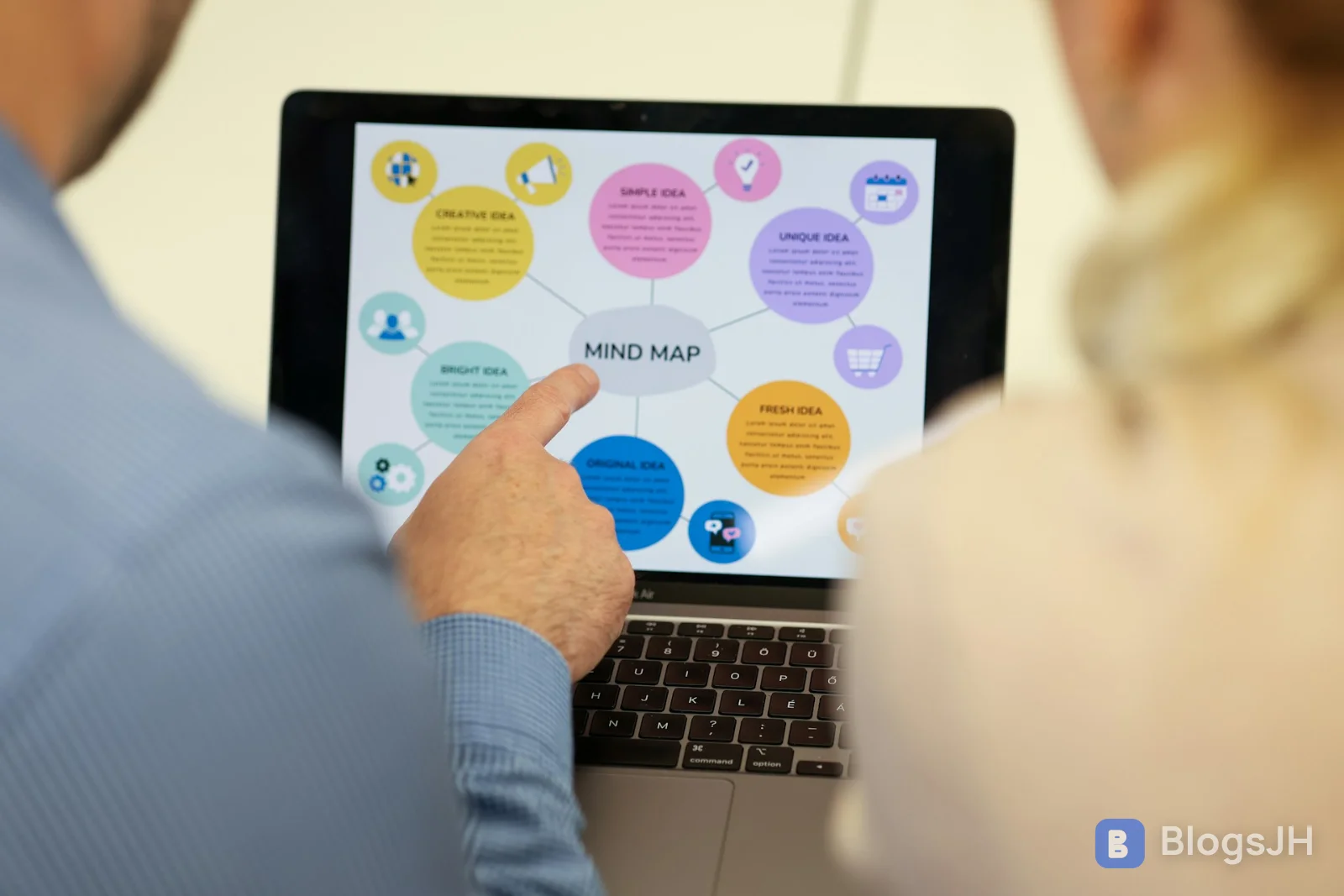
A mind map is a visual diagram that organises information radially around a central concept. Unlike linear notes (which go from top to bottom), a mind map branches outward in all directions — much like the branches of a tree, or the way the brain itself forms associations.
The concept was popularised by British author and educational consultant Tony Buzan in the 1970s, who argued that the brain does not think in straight lines — it thinks in networks. Mind maps, therefore, are a format that mirrors the brain's natural way of organising information.
Why Mind Maps Work for Studying
The scientific case for mind mapping in education is strong:
Dual coding: Mind maps combine text and visual layout, engaging both verbal and spatial processing in the brain — which enhances memory encoding
Active learning: Creating a mind map forces you to process and reorganise information — far more cognitively demanding (and effective) than passive re-reading
Big-picture thinking: Mind maps reveal how concepts connect to each other, building genuine understanding rather than isolated fact memorisation
Efficient revision: A single mind map can condense hours of reading into a one-page visual summary that can be reviewed in minutes
What You Need to Get Started
To create a traditional hand-drawn mind map, you need:
Blank, unlined paper (A4 or larger — blank paper encourages free thinking)
Coloured pens or markers (at least 4–6 colours)
Your textbook or notes as a reference
If you prefer digital mind maps, free and paid tools include:
XMind — powerful, widely used by students and professionals
MindMeister — browser-based, easy to share
Coggle — simple, free, and beginner-friendly
Canva — good for aesthetically polished maps
For beginners, starting with pen and paper is strongly recommended. The physical act of drawing and colouring a mind map activates more areas of the brain and improves memory retention.
How to Create a Mind Map: Step-by-Step
Step 1: Start with the Central Topic
Place your paper in landscape orientation. In the centre, draw a circle or image representing the main topic of the chapter or subject you are studying. Write the topic name in the centre, using large, clear text. For example: PHOTOSYNTHESIS.
Step 2: Draw Main Branches
From the central topic, draw 4–7 thick, curving branches outward. Each branch represents a major subtopic or key concept. Label each branch clearly — these are your main categories. For photosynthesis: Process, Reactants, Products, Location, Importance, Factors Affecting.
Use a different colour for each main branch. Colour-coding helps your brain distinguish and retrieve information more efficiently.
Step 3: Add Sub-Branches
From each main branch, add thinner sub-branches for details, examples, and supporting facts. Keep labels on branches short — use key words and phrases, not full sentences. The goal is to trigger memories, not to transfer all information onto the map.
Step 4: Add Images, Symbols, and Icons
Wherever possible, add small drawings or symbols. A simple arrow to indicate a process, a sun icon for energy, a cell drawing for location — even basic visuals dramatically improve recall. You do not need to be an artist; simple stick figures and rough shapes are perfect.
Step 5: Review and Refine
Once your first draft is complete, review it against your notes and textbook. Are any important points missing? Are the connections between branches clearly shown? Add any missing sub-branches and draw connecting lines between related concepts across different branches.
Mind Mapping Across Different Subjects
Subject | Best Use of Mind Maps |
|---|---|
Biology | Mapping life cycles, organ systems, classification hierarchies |
History | Timelines, causes and effects of events, key figures |
Chemistry | Properties of elements, reaction types, functional groups |
Economics | Concepts and their interrelationships, policies and effects |
Literature | Character relationships, themes, plot structure |
Geography | Climate factors, geographical features, country comparisons |
How to Use Mind Maps in Your Study Routine
After Reading a Chapter
Create a mind map from memory first — without referring to the book. Then check what you missed and add it to the map. This combines retrieval practice with visual organisation for maximum retention.
During Revision
Review your completed mind maps at regular intervals. A 5-minute scan of a mind map can refresh a chapter's worth of knowledge. Colour-coding makes it easy to quickly identify and focus on areas that need more attention.
Before an Exam
In the final days before an exam, try recreating key mind maps from memory on blank paper. This is a powerful retrieval practice technique — any gaps in your recall signal exactly what needs final attention.
Common Mind Mapping Mistakes to Avoid
Writing in full sentences: Use only keywords and short phrases — full sentences make branches cluttered and harder to scan
Using only one colour: Colour is a memory enhancer — use at least 4–6 colours
Making the map too large: Everything should fit on one page — this forces you to prioritise the most important information
Copying from notes without thinking: A mind map should be created with active thinking, not copied mechanically
Never revisiting the map: Creating the map is only the first step — returning to review it is where the real memory benefit occurs
"Mind mapping is not just a note-taking technique — it is a thinking technique. The act of creating one is an act of deep learning."
Digital vs Hand-Drawn Mind Maps: Comparative Breakdown
Students frequently wonder whether to use dedicated mapping software (such as Obsidian, MindNode, or XMind) or stick with colored pens and unruled paper. Both mediums offer distinct cognitive advantages:
Feature / Dimension | Hand-Drawn Paper Mind Maps | Digital Mind Mapping Software |
|---|---|---|
Kinesthetic Memory Encoding | High (tactile movement of pen reinforces spatial memory) | Moderate (typing and clicking is less spatially engaging) |
Canvas Flexibility | Limited by physical sheet dimensions (A4/A3) | Infinite zooming canvas allowing multi-layered sub-branches |
Revision Speed | Very fast (zero load time; pin directly to study wall) | Convenient across mobile devices and cloud backup |
Multimedia Integration | Manual sketches and basic diagrams | Seamless embedding of web links, PDFs, and high-res images |
How to Use Mind Maps for Active Recall Testing
A finished mind map is not just an artistic reference document; it is a powerful testing mechanism. Use the Blank Branch Drill: take a clean sheet of paper, write only the central concept circle and the 4 main branch headings, and attempt to redraw all sub-branches, keywords, and supporting examples entirely from memory. Comparing your reconstructed map against the master copy immediately reveals weak spots in your knowledge network.
Conclusion
Mind mapping is a deceptively simple but powerfully effective study tool. By organising information visually, using colour and imagery, and actively building connections between concepts, mind maps enable deeper understanding and better retention than conventional linear notes. Whether you prefer pen-and-paper or a digital tool, start with one chapter you are currently studying, create your first mind map, and see the difference for yourself. Once you experience how efficiently mind maps support revision and recall, you will wonder how you ever studied without them.


Join the Conversation
0 CommentsNo comments yet
Be the first to share your thoughts and start the discussion.